HRMS and Payroll
From hire to full-and-final, with payroll that matches Indian statute.
Learn more
Hours and spend captured where they happen, approved once and charged to the right job.
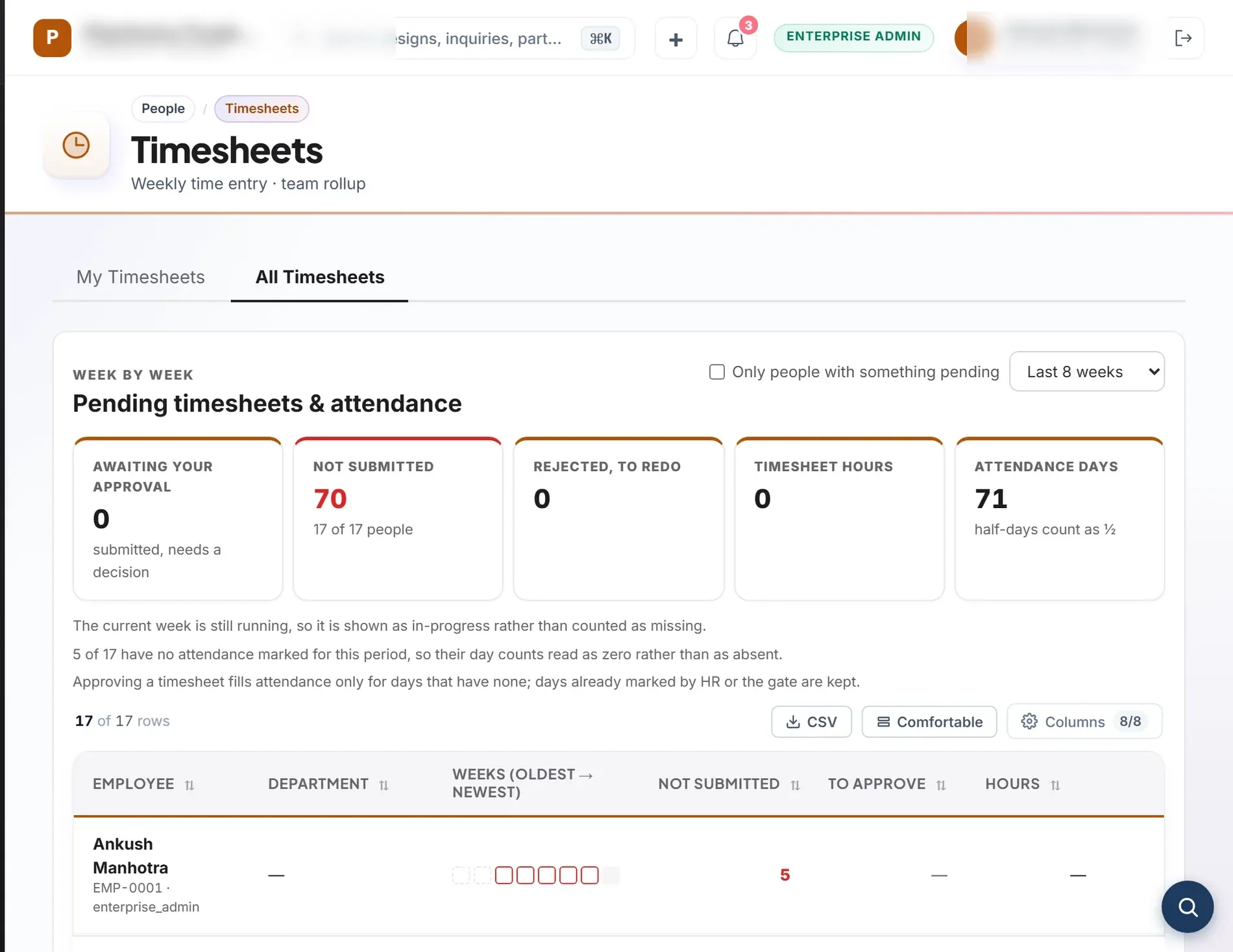
Timesheets and expense claims are tagged to a project or cost centre, approved in one inbox and posted to the ledger. A claimant can never approve their own claim.
What is inside
Daily or weekly entry against projects and work packages.
Location-stamped check-ins for people on the road.
Receipt photos, policies and limits.
Leave, expense and timesheet in a single queue, with delegates when a manager is away.
Approved claims are paid and posted to the books.
Actual cost on a project is read from timesheets and expenses.
One-tap attendance, leave and bill photo in the browser.
We list gaps on purpose. If one matters to you, tell us in your inquiry.
From hire to full-and-final, with payroll that matches Indian statute.
Learn moreProgrammes and projects with the schedule, the gates, the risks and the money in one place.
Learn moreBooks that close themselves from the work your team already did.
Learn moreHours and spend captured where they happen, approved once and charged to the right job. Timesheets and expense claims are tagged to a project or cost centre, approved in one inbox and posted to the ledger. A claimant can never approve their own claim.
It covers timesheets, field check-ins, expense claims, one approvals inbox, reimbursement and project cost, and 1 more capabilities. Every capability on this page is a screen that ships in the product.
Time and Expense is included in Prabandh Suite, Prabandh Retail and Prabandh Spa and Salon.
A native mobile app (the screens work in a phone browser).
Add it to your cart on this page and send one inquiry, or request a demo. A specialist replies within one working day. Pricing is given by inquiry because it depends on users, modules and the data you bring across.
Build the whole shortlist, then send one inquiry. We reply within one working day.